


Progress they can see
Every finished quest moves an XP bar, adds gold, and edges them toward the next level. The reward is immediate and it is visible.

Oakward turns the dishes, the laundry, and the trash into quests worth real XP and real gold. Your kids build a hero. You approve the work. Everybody stops arguing about the chore chart.
Out now on iPhone, iPad, and Android. See how it works.
Chore apps usually fail for the same reason: nothing happens when a kid finishes something. Oakward borrows the loop that keeps them glued to their games, and points it at the laundry basket.
Every finished quest moves an XP bar, adds gold, and edges them toward the next level. The reward is immediate and it is visible.

Nothing pays out until a parent approves it. A rushed job gets sent back, and kids learn fast that the standard is real.

Shared family XP, a shared savings vault, streaks, and the occasional boss the whole house has to gang up on.
Set it up once on a Sunday afternoon. After that it mostly runs itself.
Turn a chore into a quest in the Quest Workshop. Set the XP, the gold, and how often it repeats. Save the good ones to your library and reuse them forever.

Each kid gets a hero with a class, a look, and a photo if they want one. Assign quests to one hero or to the whole roster at once.
Kids see their own quest list on their own device, mark things done, and send them in. If the job is genuinely not happening, they can request a skip instead of lying about it.

Completions land in Approval Hall. Approve and the XP, gold, and streak credit hit instantly. Send it back and nothing does.
Eight rooms, one family account, synced across every device you connect.

Where chores become quests. Write it once, price it in XP and gold, and decide whether it happens today, every day, or on a schedule you set.

The part that makes the whole thing honest. Submitted quests queue up for you, and nothing is paid out until you say so.
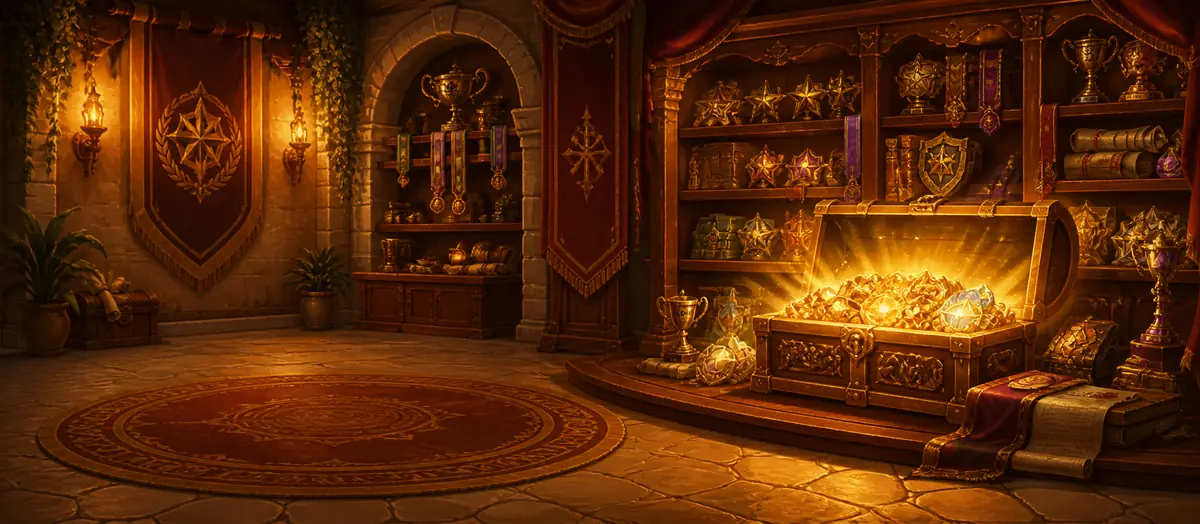
Gold has to buy something. You decide what. Screen time, a movie night, choosing dinner, a trip to the shop, whatever actually motivates your kid.


Finish your daily quest bundle and you bank a spin. Spins pile up, so a kid who has a great week gets to sit down on Saturday and burn through five of them at once.


A shared pot with a shared goal on it. Kids deposit their own gold toward a family trip, a pizza night, a new game for the house, and they earn family XP for doing it.
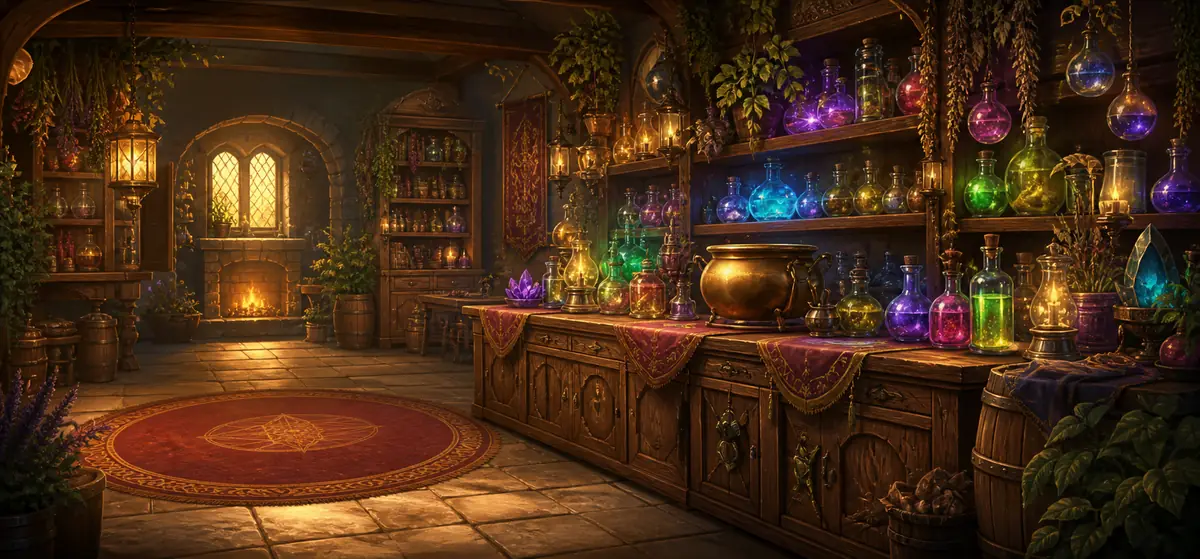

Heroes have health. You can dock a little for the lights left on all night, and they can spend their own gold on a potion to get it back. Consequences land without a shouting match.

Your household levels up as a unit. Approved quests feed a shared family XP pool, so the eight year old scrubbing a sink is contributing to the same number as everyone else.


One PIN protected screen that holds the levers. Kids can hand you the phone, or use their own, and none of this is reachable from their side.
Spring cleaning is a hard sell. A boss is not. Pick one from the bestiary, attach the quests that actually need doing, and every completion in the house takes a chunk out of its health bar. The kids are on the same team for once, and the garage gets cleared out.
Only a parent in Parent Command can summon or call off a boss.
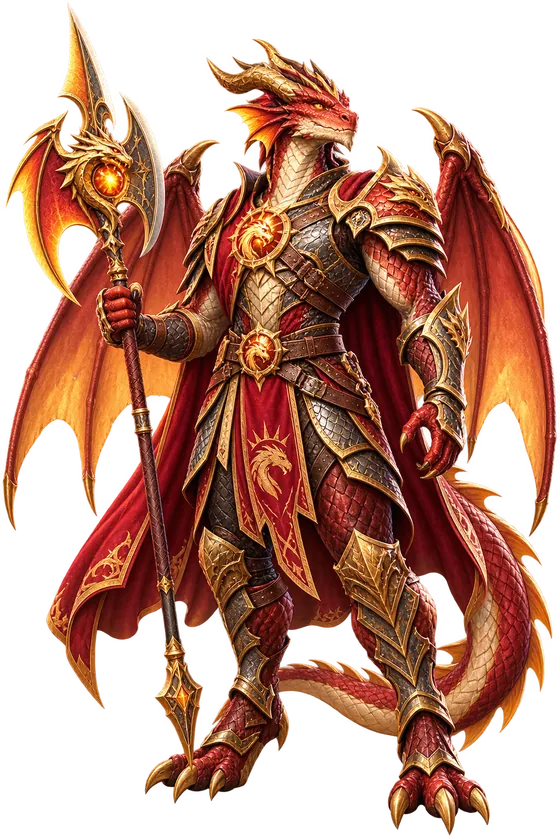
Gold gets spent on real life. Essence is the other currency, and it goes into the parts of the game that keep a kid coming back after the novelty of week one has worn off.

Seven character lines across warrior, royal, mystic, guardian, tinker, adventure, and frontier, each with ten tiers of art to work toward.
Dragons, wolves, owls, pegasi, and hippogriffs. Find one, feed it essence, and watch it evolve through ten stages beside your hero.

Essence earn rates and shop prices are yours to tune in Parent Command. If a kid is levelling too fast, turn the dial down.
The subscription belongs to your family, not to a phone. One parent subscribes once, and every device you connect unlocks, including the ones you add months later.

Only a parent device can start or restore the subscription. A child cannot buy anything, and there is no prompt on their screen that takes money.

The moment it goes through, every connected device in your family unlocks. A kid's tablet does not need to be reopened; it just comes to life.
Twelve heroes and twenty devices cost exactly the same as one of each. Add a phone at Christmas and nothing changes on your bill.

Both parents share it too. If one parent subscribes on their own phone, the other parent's device and every hero device unlock from the same purchase. There is nothing to transfer and nothing to split.
Four steps, and only the first one is ever done twice.
Install Oakward, give the device a name, then choose a 6 to 8 digit Parent PIN and tap Set Up First Parent Device. That creates your family and generates your family code.
Pick a PIN your kids will not guess. It unlocks Parent Command and it is what adds another parent device later.
The Device Chamber shows an eight character family code in large type at the top of the screen. That code is what every other device in the house needs.
Install Oakward, name the device, type in the family code, and tap Request Child Access. Their screen shows a short pairing code and waits.
The request appears in the Device Chamber with its pairing code. Tap the hero it belongs to and confirm. From then on that device opens only that child's quests, gold, and backpack.
Repeat steps 3 and 4 for each child. Nothing else needs setting up.
A second parent does not go through the approval queue. On their device, enter the family code and the Parent PIN, then tap Recover Parent Device. They get full parent access straight away, and both of you can approve, award, and change settings.
The same button is how you get back in after a reinstall or a new phone.
If your children share a tablet rather than each having their own, you can give every hero their own optional 4 to 8 digit Player PIN. Each child's profile then stays shut until they enter it, so nobody spends a sibling's gold.
Up to 20 devices per family, with up to 5 requests waiting for approval at once. Mix iPhone, iPad, and Android freely; they all sit in the same family and share one time zone.
Both devices need a connection for the handshake. Check the family code is typed exactly, with no spaces, and that you have not already got five requests waiting. Then look under Parent Command → Devices again.
Start with 7 days free. After that it is one subscription for the whole household: every hero, every device, every feature. There is no per child upsell and there are no ads, because an app your kid opens every morning is not a place to sell them anything.
7 days free first. Cancel any time from the App Store or Google Play.
7 days free first. Works out at about $3.33 a month.
One subscription covers every hero and every device in your household. Billing runs through your App Store or Google Play account and renews automatically unless cancelled at least 24 hours before the period ends. See how device sharing works.
It lands best somewhere around five to fourteen. Younger kids respond to the art, the pet, and the wheel. Older ones care about gold, the reward shop, and beating their sibling on the leaderboard. You can tune the XP, gold, and difficulty per hero, so a six year old and a thirteen year old can share the same house without either one feeling cheated.
No. Oakward works fine as a single shared device that lives on the kitchen counter, with a parent PIN keeping the controls locked. If your kids do have devices, you can approve each one in the Device Manager and bind it to exactly one hero, so they see only their own quests and their own gold. It does not matter if the house is mixed: an iPhone parent and an Android kid share the same family account and the same data.
Oakward is local first. The app runs off a database on the device, so quests, approvals, and rewards all work on a plane or in a dead zone. When you come back online it syncs the family account, and any writes that were queued go up then.
We collect what the app needs to run your family account and nothing else. There is no advertising, no ad identifiers, and nothing is sold to anybody. Kids do not create accounts of their own; parents create heroes. The full detail is in the privacy policy.
Yes, and most families do. Gold is in game currency and it buys whatever you put in your reward shop. Plenty of households never attach a dollar to it at all: gold buys screen time, picking the movie, staying up an extra half hour, or choosing what is for dinner on Friday. If you would rather it map to an allowance, you can do that instead.
Nothing pays out without your approval, so the ceiling on cheating is low. Beyond that, every XP, gold, health, and reward change is written to a ledger you can read back, and Parent Command lets you deduct as easily as you award. If somebody claims they cleaned a room they did not clean, you find out at the approval step and it costs them.
You get 7 days free, then $4.99 a month or $39.99 a year. That covers your entire household: every hero, every device, every feature. The subscription belongs to the family rather than a phone, so one parent buys it and every connected device unlocks, including the other parent's. There is no per child charge and nothing else to buy. Billing runs through the App Store or Google Play, so you cancel from there whenever you want.
Redmont Labs, a small independent studio. Oakward started as a fix for one household's chore problem and grew from there. Questions and complaints reach a person, not a ticket queue: info@redmontlabs.com.
Set it up on a Sunday afternoon and see what your house looks like by Wednesday. Oakward is out now on iPhone, iPad, and Android.
7 days free, then $4.99 a month or $39.99 a year for the whole household. Questions first?